
TypeScript
nats
NATS | Open Source Business and Accounting Software
NATS is a Next.js-based ERP system designed to handle various business functions ranging from accounting, inventory, sales, purchasing, POS, to payroll.
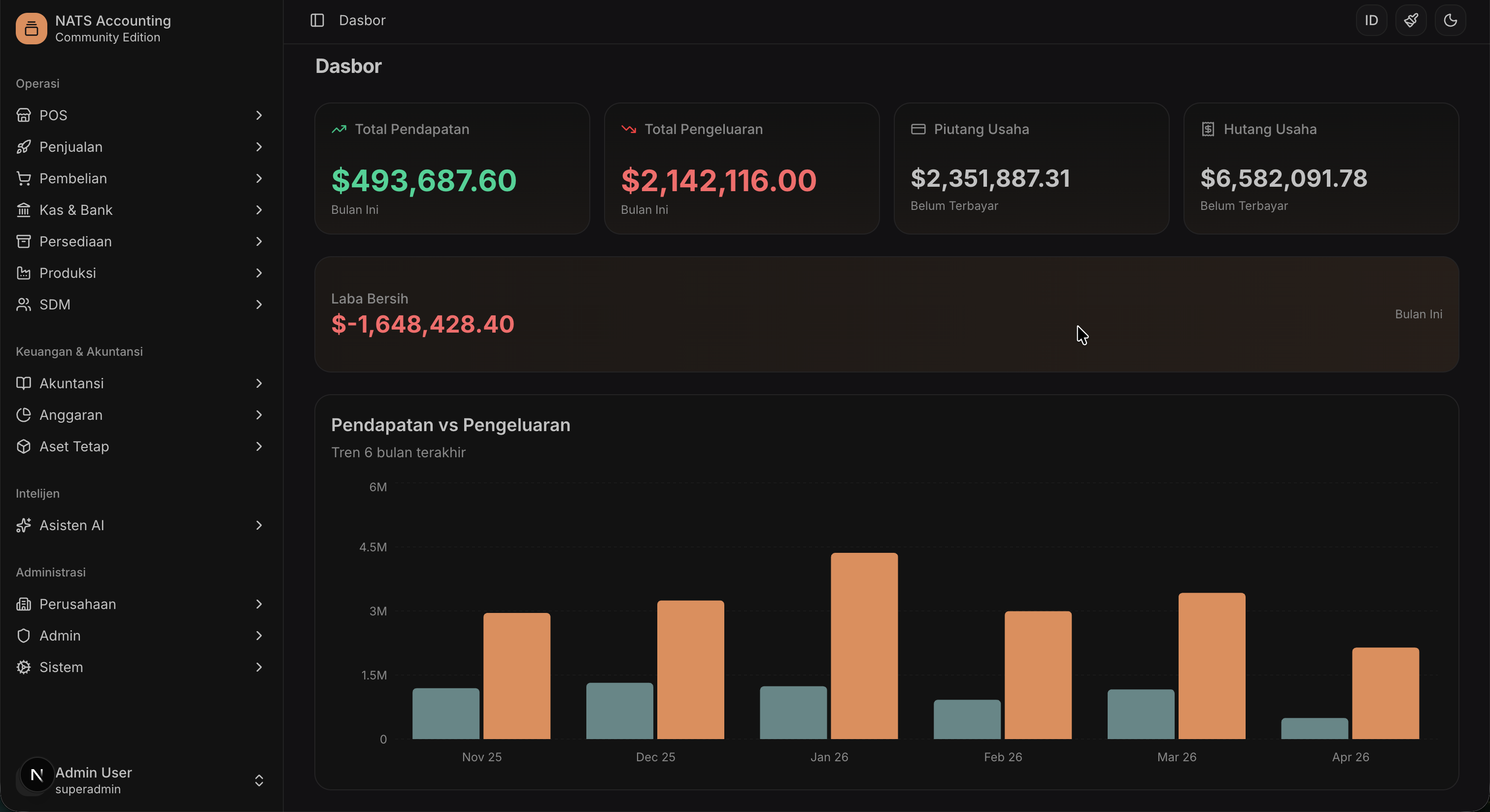 Main Dashboard View
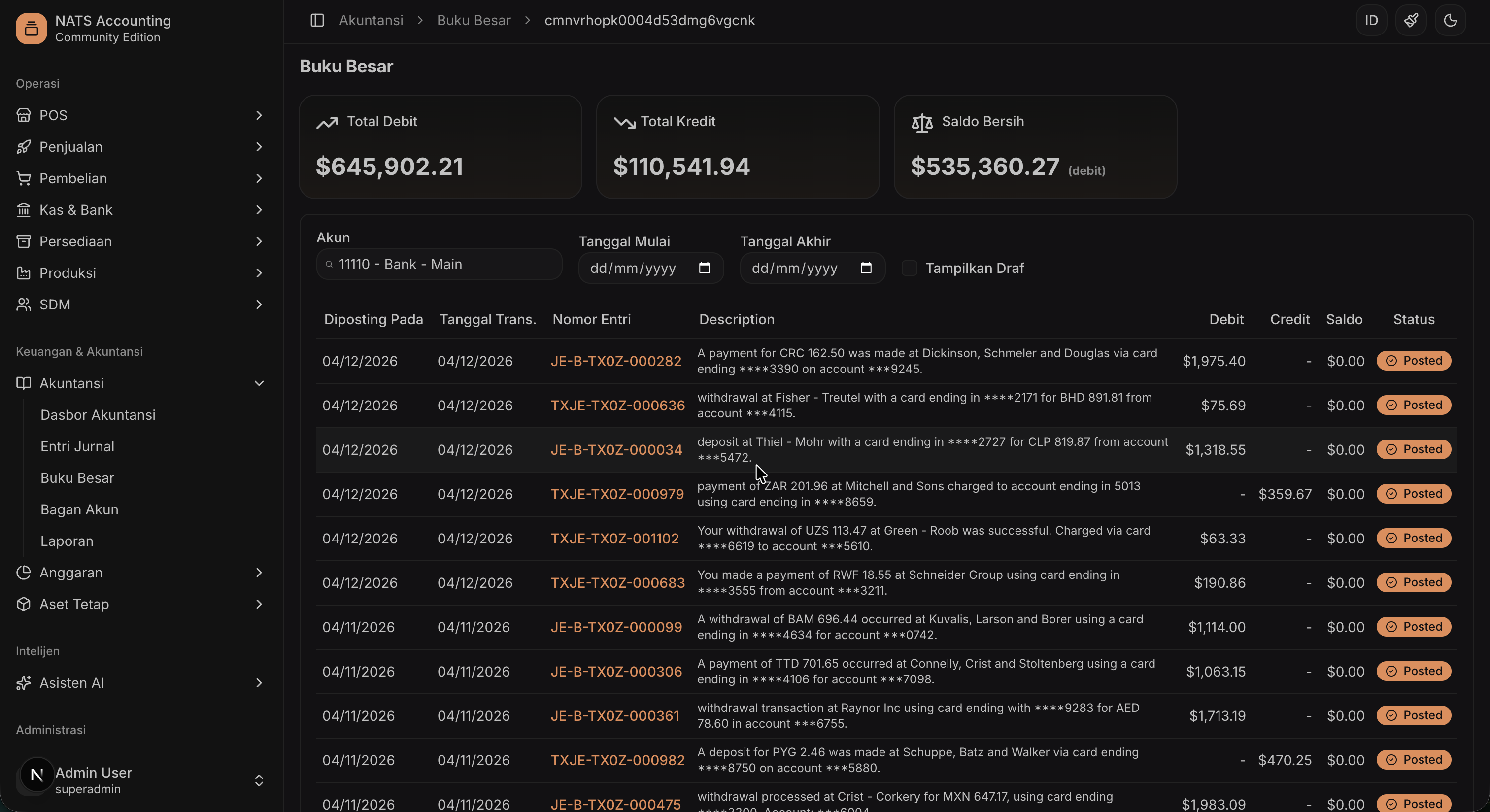 Accounting Module
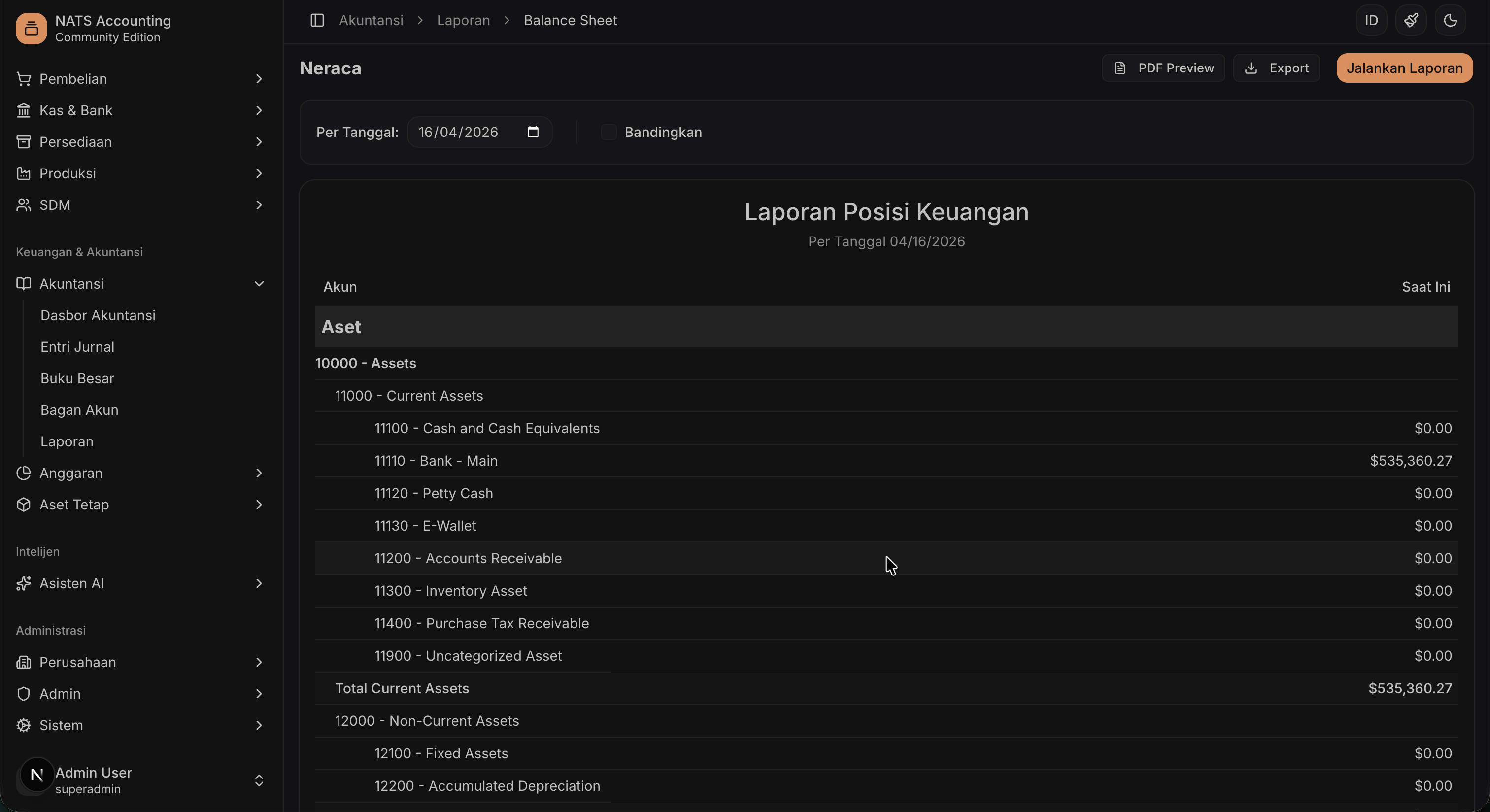 Financial Report
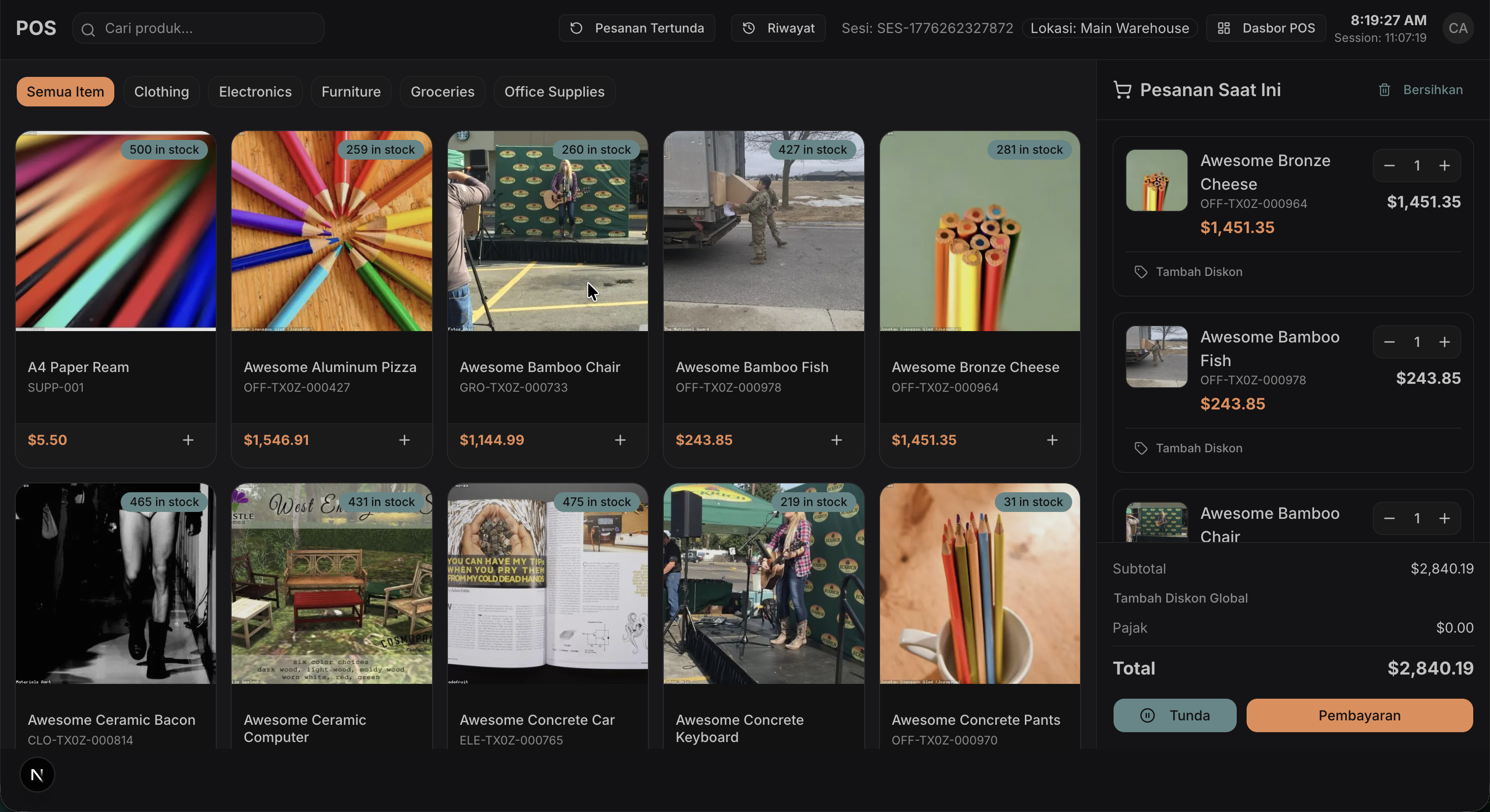 Point of Sale (POS)
Follow the steps below to run NATS in your local environment.
Before starting, ensure your system has the following components:
git clone <repository-url>
cd nats
npm install
Copy the .env.example file to .env and adjust its values:
cp .env.example .env
Ensure the DATABASE_URL variable correctly points to your PostgreSQL instance:
DATABASE_URL="postgresql://user:password@localhost:5432/nats"
Create a database in PostgreSQL:
psql -U postgres -c "CREATE DATABASE nats;"
Perform database migration and schema creation:
npx prisma generate
npx prisma migrate dev --name init
Populate the database with initial data (roles, default users, etc.). Choose one of the following options:
Option A: Complete Seeding (Recommended for Testing) Includes sample products, transactions, and bulk data:
npm run prisma db seed
Option B: Minimal Seeding (Clean Start) Includes only essential data: Company Profile, Chart of Accounts, and Default Roles/Users:
npm run prisma:seed:minimal
Default Credentials:
password123 (for all default users)| Role | Name | |
|---|---|---|
| Super Admin | admin@example.com |
Admin User |
| Accountant | accountant@example.com |
John Accountant |
| Cashier | cashier@example.com |
Jane Cashier |
| Manager | manager@example.com |
Mike Manager |
| Merchant | merchant@example.com |
Sample Merchant |
| Customer | customer@example.com |
Sample Customer |
Run the development server:
npm run dev
The application can be accessed at http://localhost:3000.
If you want to run the application using Docker Compose:
docker-compose up -d
After the containers are running, initialize the database:
docker-compose exec app npx prisma migrate deploy
# Run complete seed
docker-compose exec app npm run prisma db seed

# OR run minimal seed
docker-compose exec app npm run prisma:seed:minimal
This project is licensed under LICENSE.